
Personal Computer Is Here
Today, we’re beginning the rollout of Personal Computer. Personal Computer is a powerful expansion of Perplexity Computer.
Personal Computer brings the multi-model orchestration of Computer to your machine. It can work across your local files, native applications, connectors, and the web to complete complex and even continuous workflows.
Personal Computer makes Perplexity Computer a more personal orchestrator, elegantly hybridizing the local and server environments for maximum security and productivity.
The computer evolves
The word “computer” used to mean a person. Then it meant a room-sized machine. Then it was something on your desk. Every shift changed what people could do, but the pattern stayed the same: the computer got closer to the work.
That is happening again. AI changes how we think about the computer.
For most of the last few decades, the personal computer has been a place where you manually moved between apps, files, tabs, and workflows. It was powerful, but it still depended on you to hold the thread. You had to remember where the document lived, which tab mattered, what message needed a reply, and what step came next.
A modern computer does not just wait for instructions. It can understand an objective, break it into steps, and carry work across the tools where that work already happens. The web matters here. Your files matter here. Your apps matter here. The computer can now work across every interface as an orchestrator.
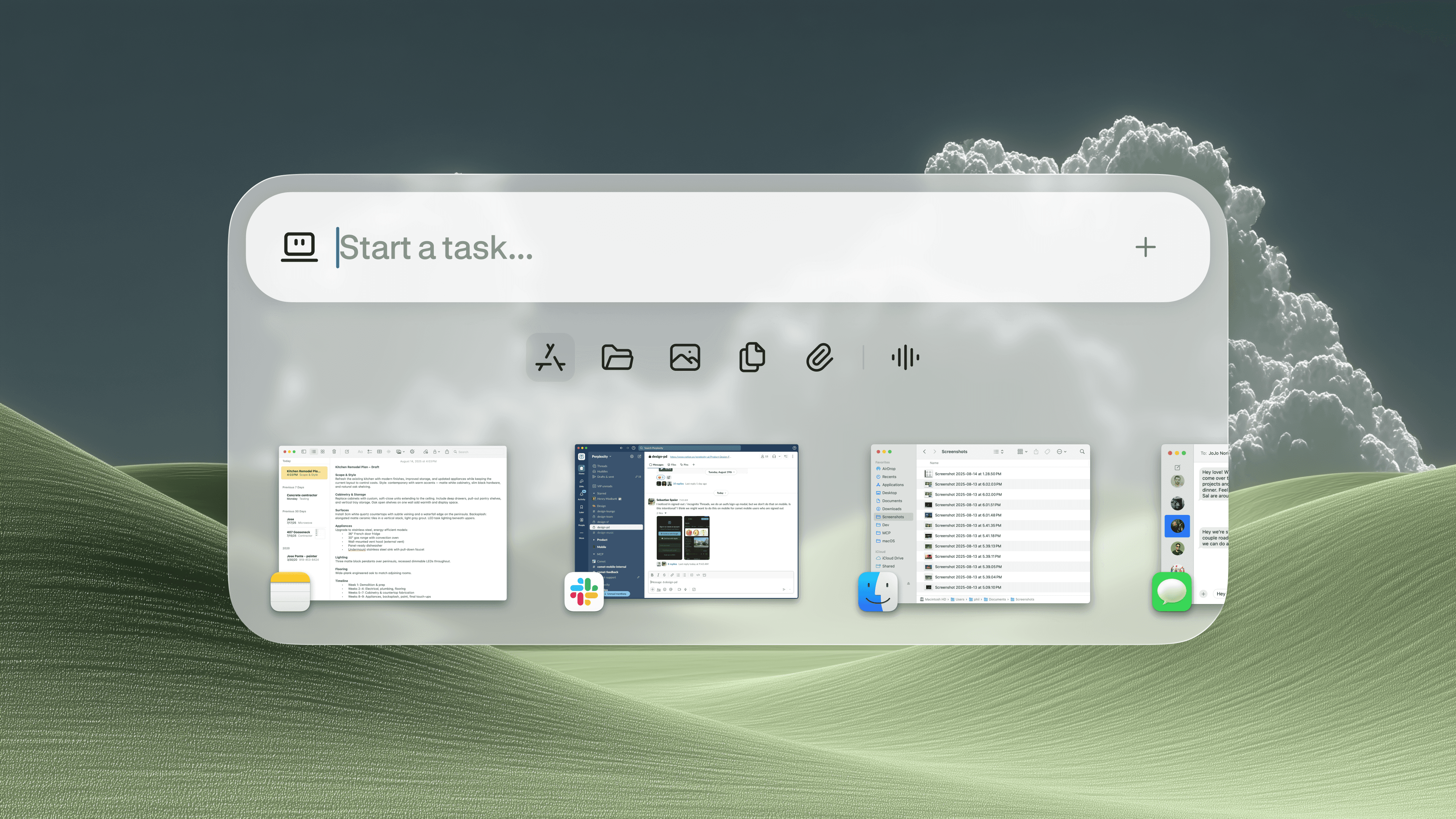
That is what Personal Computer is for. It brings Perplexity Computer into a more useful place: your own machine. It can work across local files, native apps, connectors, and the web in one system. It can help with tasks that are too messy for a chat box and too repetitive to keep doing by hand.
How it works
Personal Computer integrates your local files, tools, and apps into the orchestration system of Perplexity Computer.
One of the best ways to experience Personal Computer is on a Mac mini. On a mini, Personal Computer stays available 24/7 for work that needs a persistent machine or secure local access to your files and native apps. You can initiate tasks from your phone, or manage them on the go.
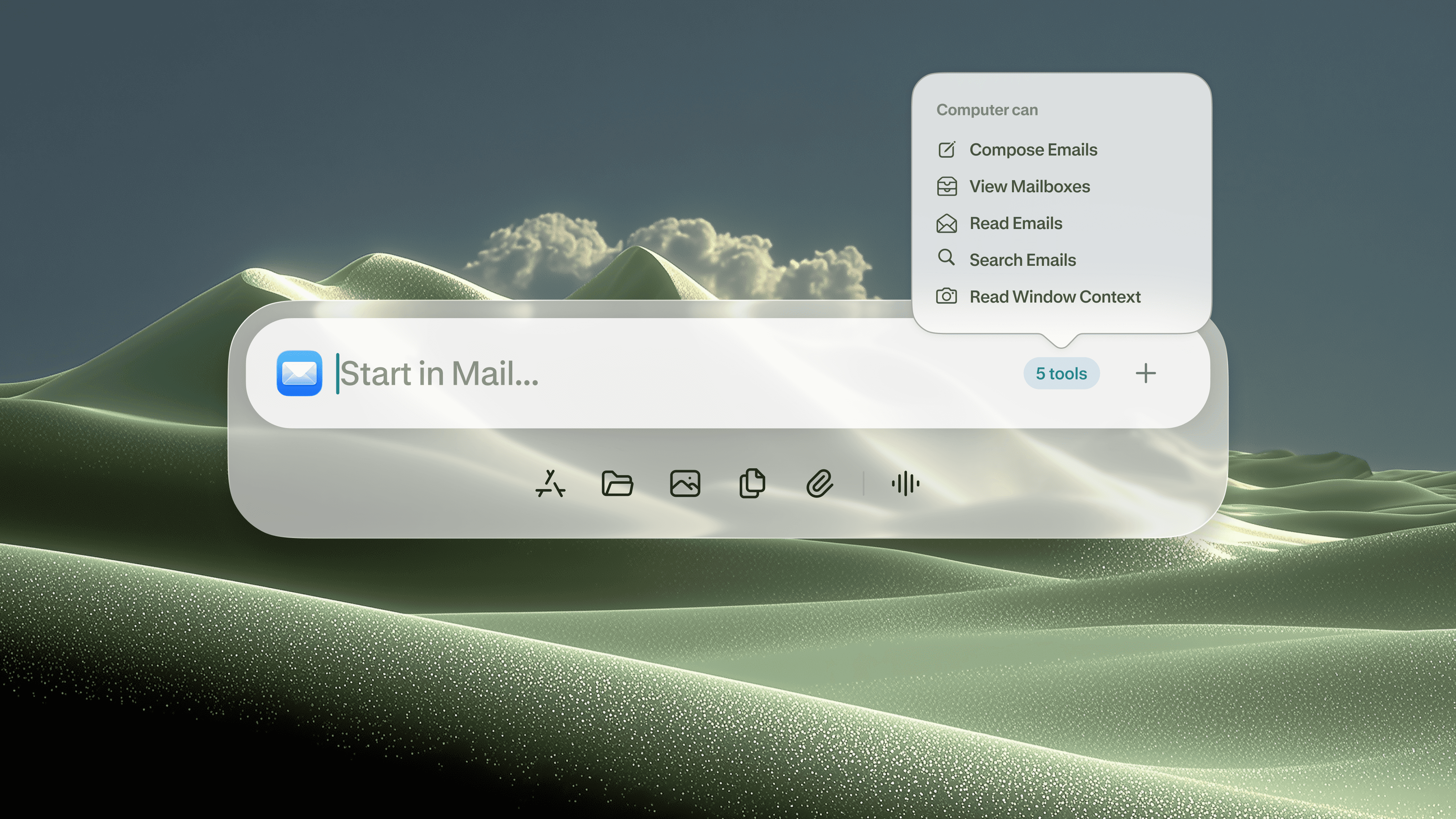
You can ask Personal Computer to read your to-do list. In fact, you can ask it to DO your to-do list. In Notes, just press both CMD keys to activate Personal Computer, and ask. Computer will read your Notes to-do list, reason how to accomplish each task, and work across all of your local files, iMessage, email, connected apps, and the open web to get it done.
You can ask it to take a messy Downloads folder and sort it into clear project folders, with sensible names and a structure that is easier to work with. Ask it to compare local files against information on the web, then use both to help you make a decision or complete a task.
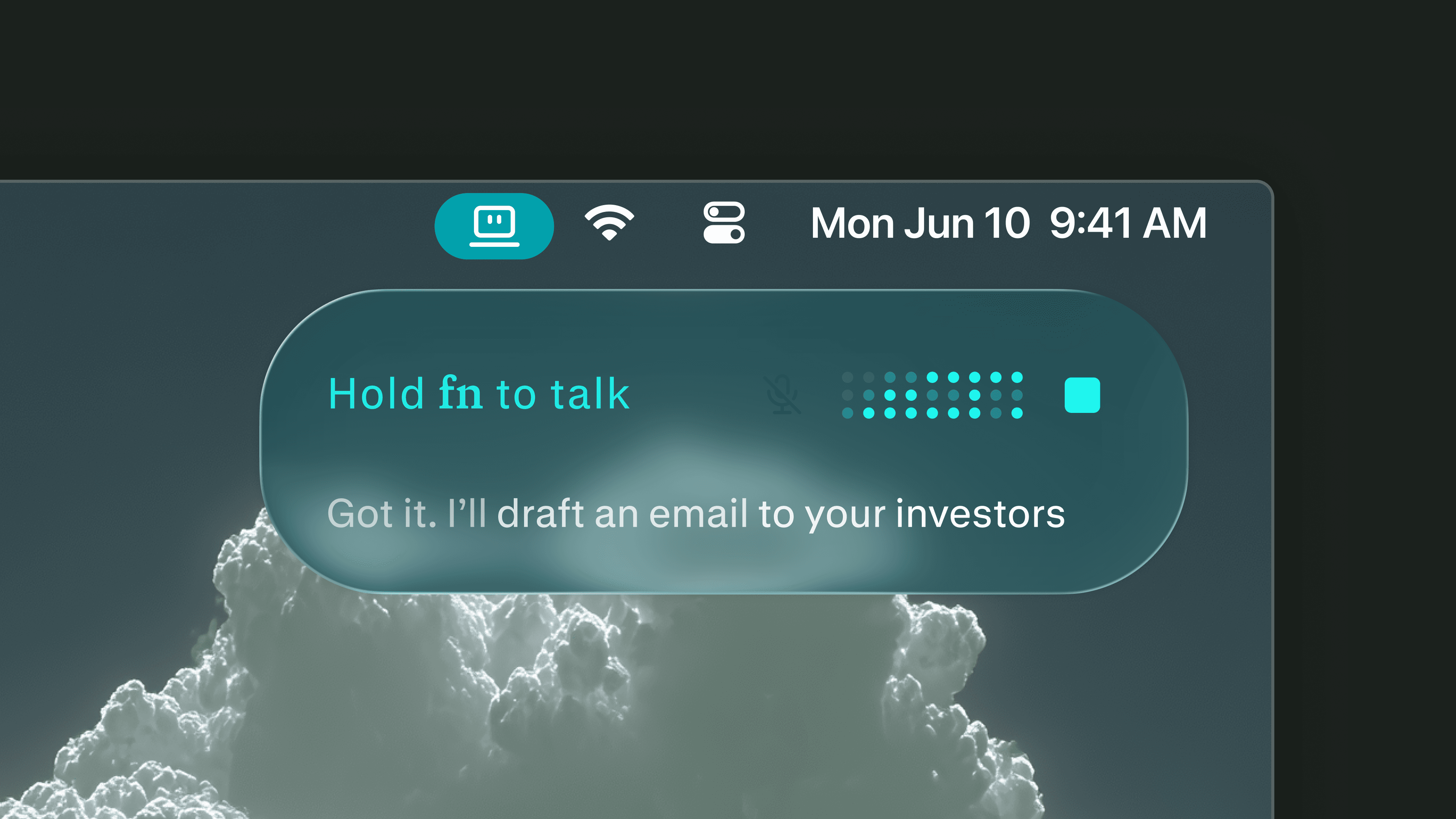
You can speak to it directly and have it carry out an action on your Mac. Personal Computer works for you.
Control and security
Perplexity Computer and Personal Computer are designed to keep the user in the loop on sensitive actions. You can see what it is doing, step in when needed, and stay in control of important decisions.
Files are created in a secure sandbox. Actions are auditable and reversible. A system that acts on your behalf needs to be useful and legible. It should feel like a team you manage, not a rogue employee with keys to your most important data.
Availability
Personal Computer for Mac is rolling out today to Perplexity Max subscribers. We will prioritize users on the waitlist as we expand the rollout.
Download Personal Computer for Mac here.