

Use Cases
Build a company and sector report
Features
Categories
Overview
Research and industry analysts often need to generate high-level reports on specific companies and sectors to share with senior partners or as a starting point before launching into more rigorous research. Perplexity can help quickly pull together comprehensive but summarized reviews in various formats and document types.
Your search
Create a brief PDF report on NVIDIA. Include a company overview, stock price and relative performance over the last 90 days. Compare that to NVIDIA's main competitors. Also include a section on industry and sector trends. End with a section on potential acquisition targets
Perplexity's answer
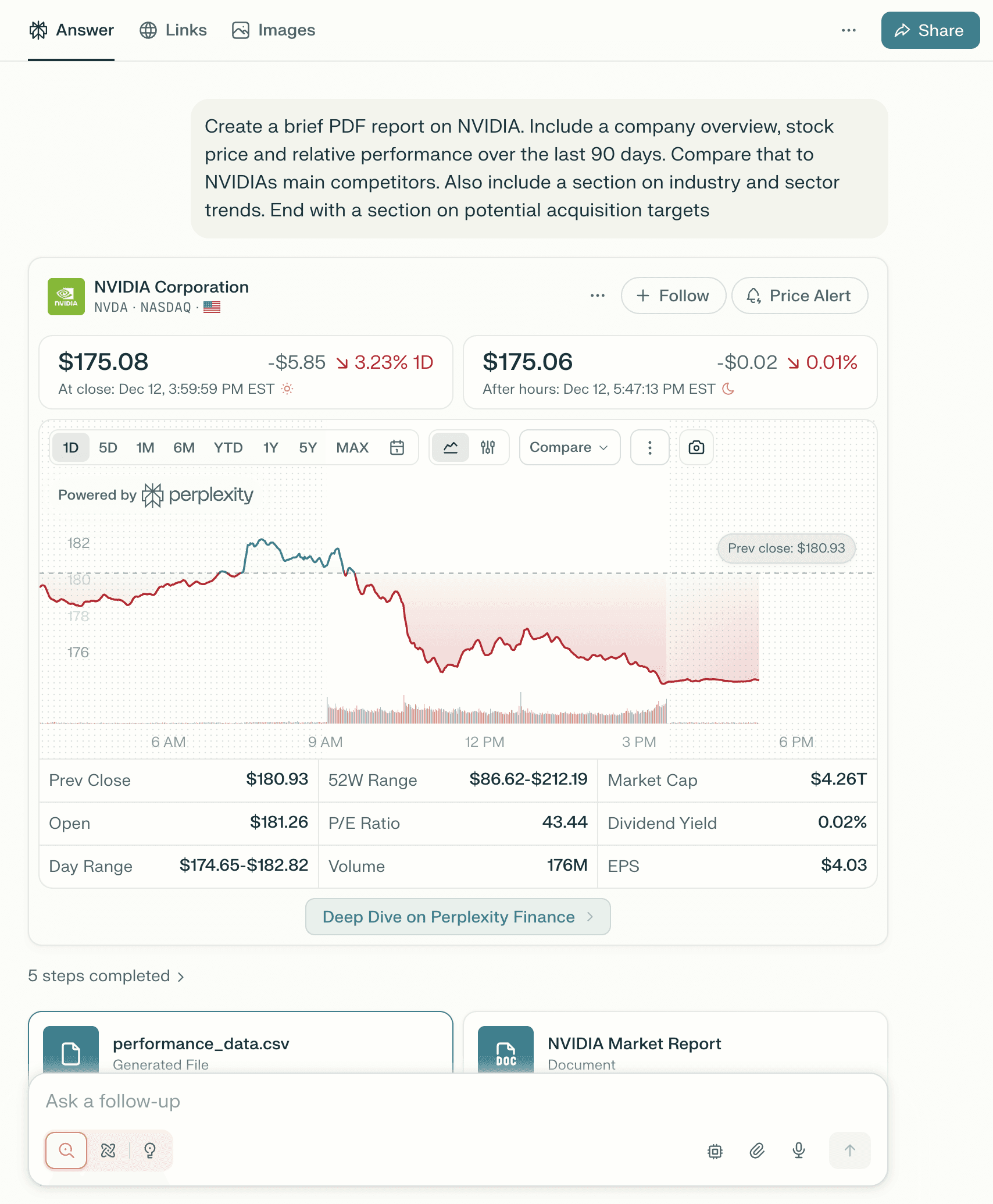
In addition to generating a full PDF report and data CSV backup, Perplexity will show you a live widget of the current stock price performance of the company in question.
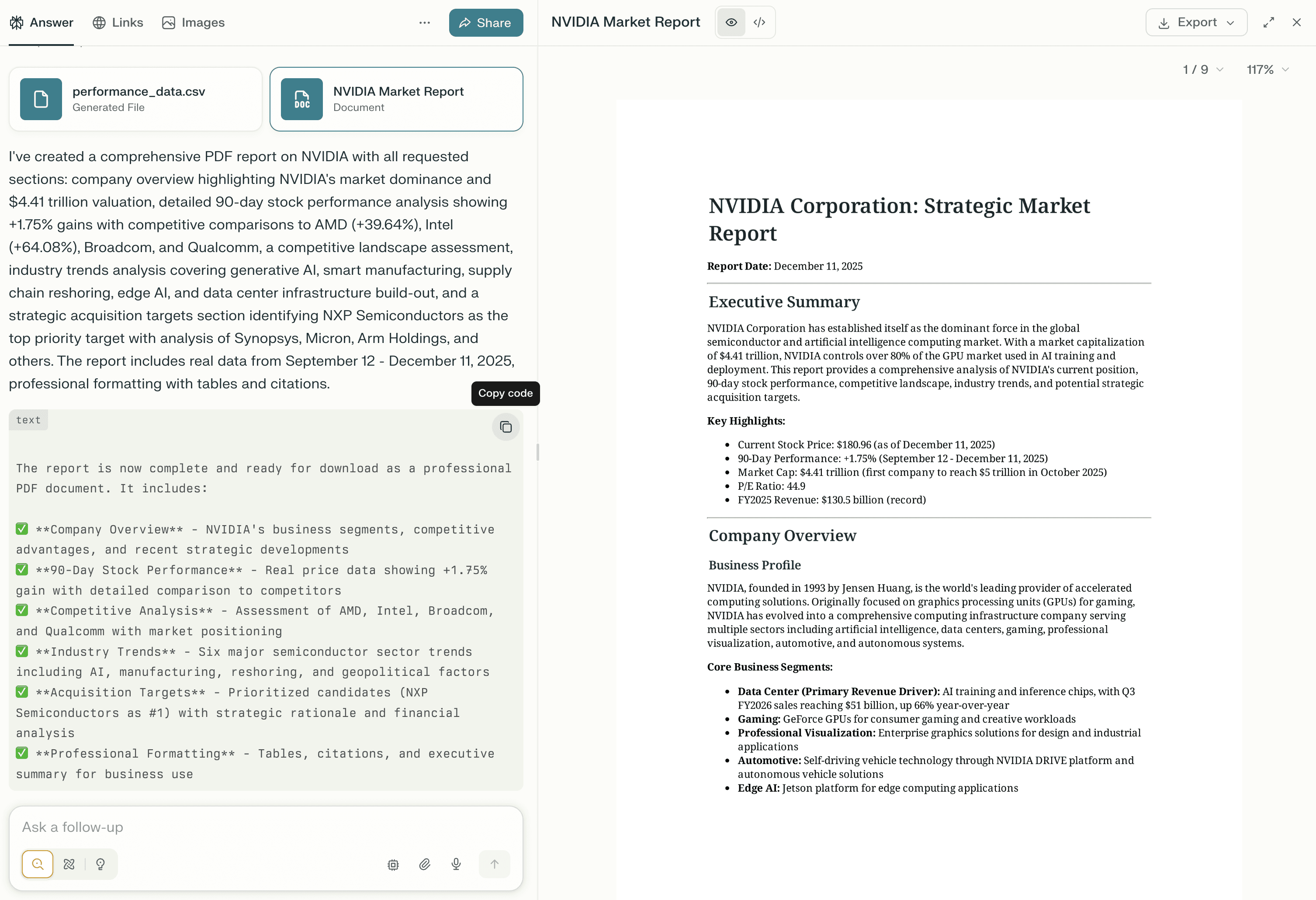
The full report can be opened and viewed in a sidebar, as well as exported directly as a PDF. It can also be sent to any connected drives like SharePoint or Google Drive.
Before exporting, you can ask follow-up questions of the report or adjust the contents, formatting, and organization in the same thread.
Tips
Be specific about formatting: if you need specific sections, include that in your query, “Include the following sections: Summary, Company Overview, Current Product Lines, Trading Performance, Competitor Analysis, Key Earnings and Reporting Dates“
Make sure the output type is clear: tell Perplexity to specifically “create a PDF report” or “create a slide deck” if you are looking for a specific type of output